

Countdown Timer For WordPress Block Editor
Features
Cookie Based Timer
The countdown will start from each one of your visitors individually. For Example, if your visitor deletes their cookies, or changes browsers, they will still see the correct deadline.
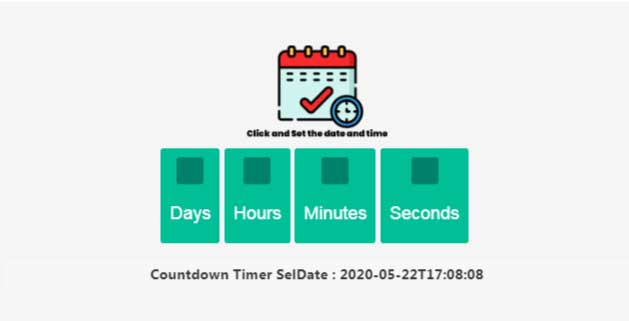
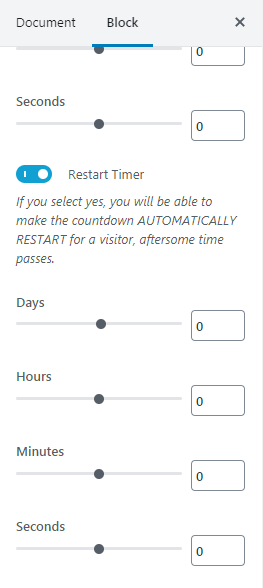
Restart Timer after Specific Time/Repeat Timer
Countdown Timer for WordPress Block Editor will AUTOMATICALLY RESTART for your visitor after it ends. For example, If you set to repeat the timer after 1 hour, it will automatically restart 1 hour of the expiration.
Totally customizable and Counter Mode options.
User can set different style to counter timer using multiple style options and add counter timer to any page with a simple drag & drop. And using counter mode options like Breakdown and Total you can view only hour or second box or hide specific box on countdown timer.
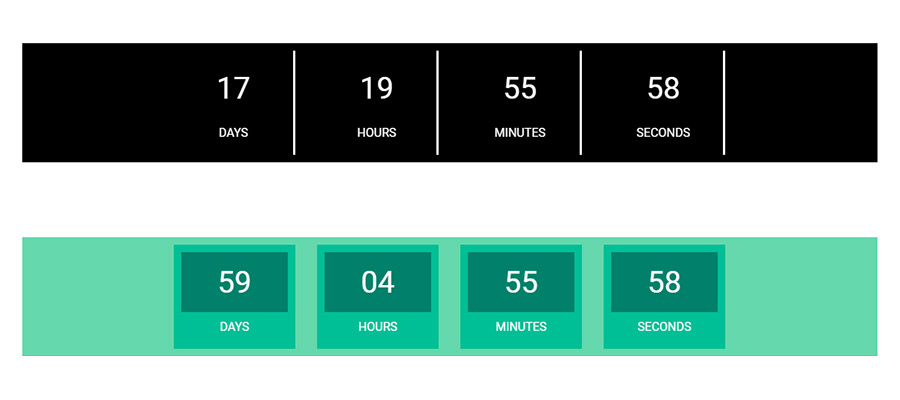
Countdown timer option
If you select Exact Date, exact date and time on which you want your offer to end. If you select After This Time Duration, The countdown will start from each one of your visitors individually. Option available for adding specific date and time.
Action After Expiration
Select whether you want to hide timer, set a message or a redirect to url after expiration

Customize Message text, color & typography
Action After Expiration to different kinds of countdown timer boxes you can create with this flexible widget
Upcoming Adaptive Design and Responsive
Choose exactly which fields of the counter you want to show and Set the exact container width of the countdown timer. Each element on Epic News Elements is responsive.
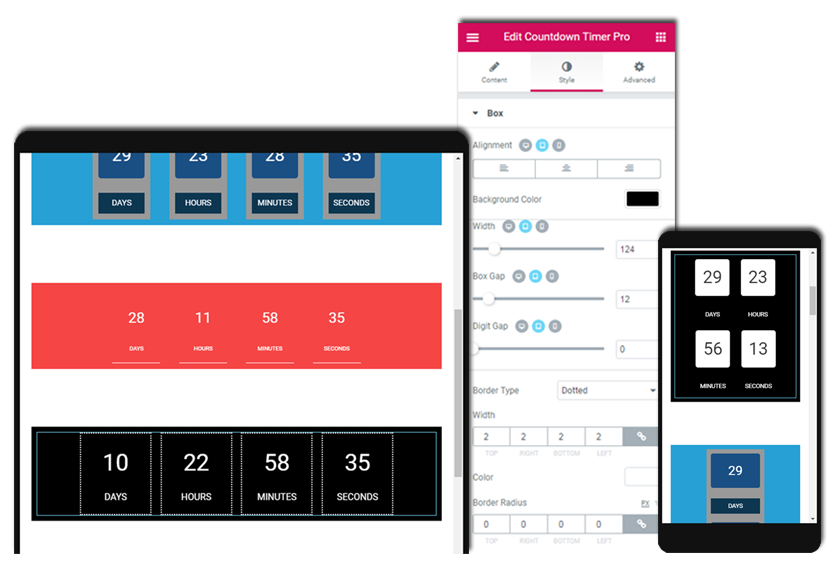
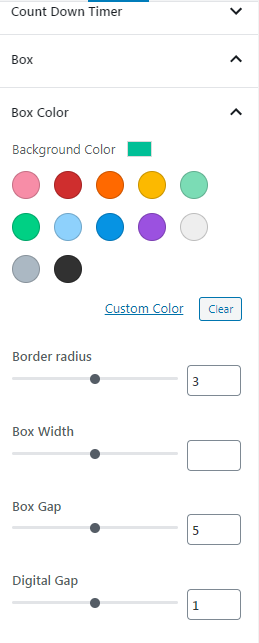
Customize box design text, background color & typography
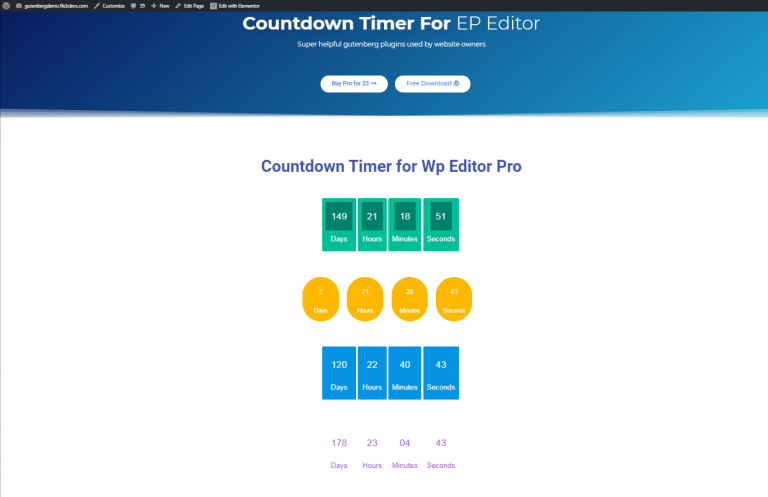
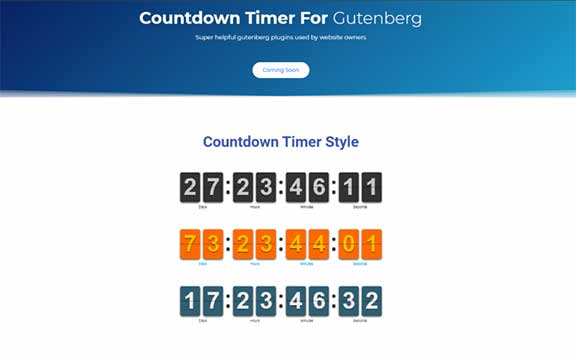
Example.
Work within the WordPress admin with an interface you already know.
WordPress Countdown Timer Block include different addtional options included for control clock design settings.

Frequently Asked Questions:
It can appear in any of your posts and pages. You just need to do drag and drop countdown timer widget into your page or post.
Yes. You just need to change settings option that you want.
Definitely. There is option available under countdown timer widgets settings option. You just need to restart option “Yes” and set time
Yes, You can use both plugin on same site without any problem.
We would like to hear all the queries and suggestions from your end. If you’re thinking to require any additional services or custom requirements with our plugin then, do not hesitate. We’re happy to listen and provide full support.